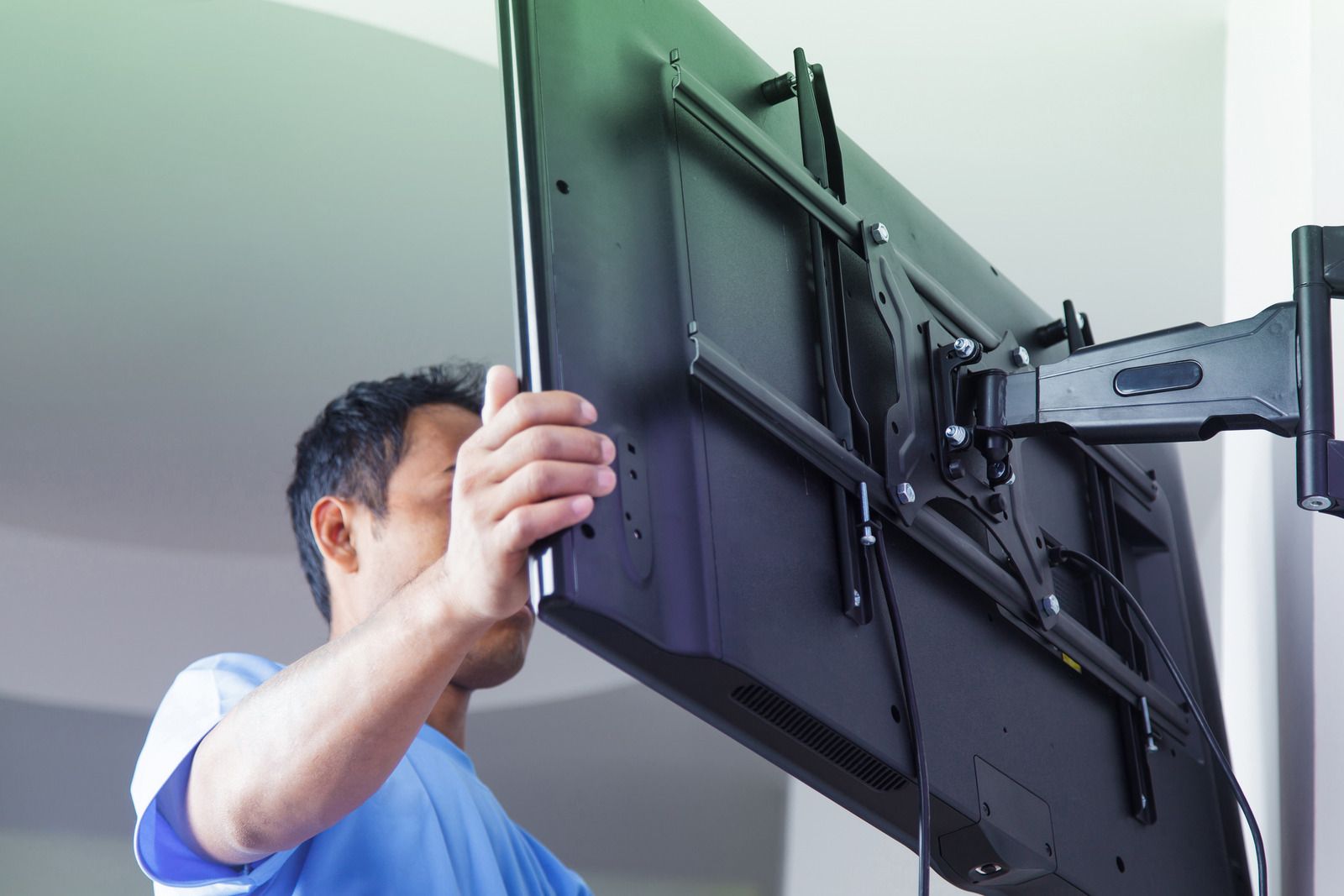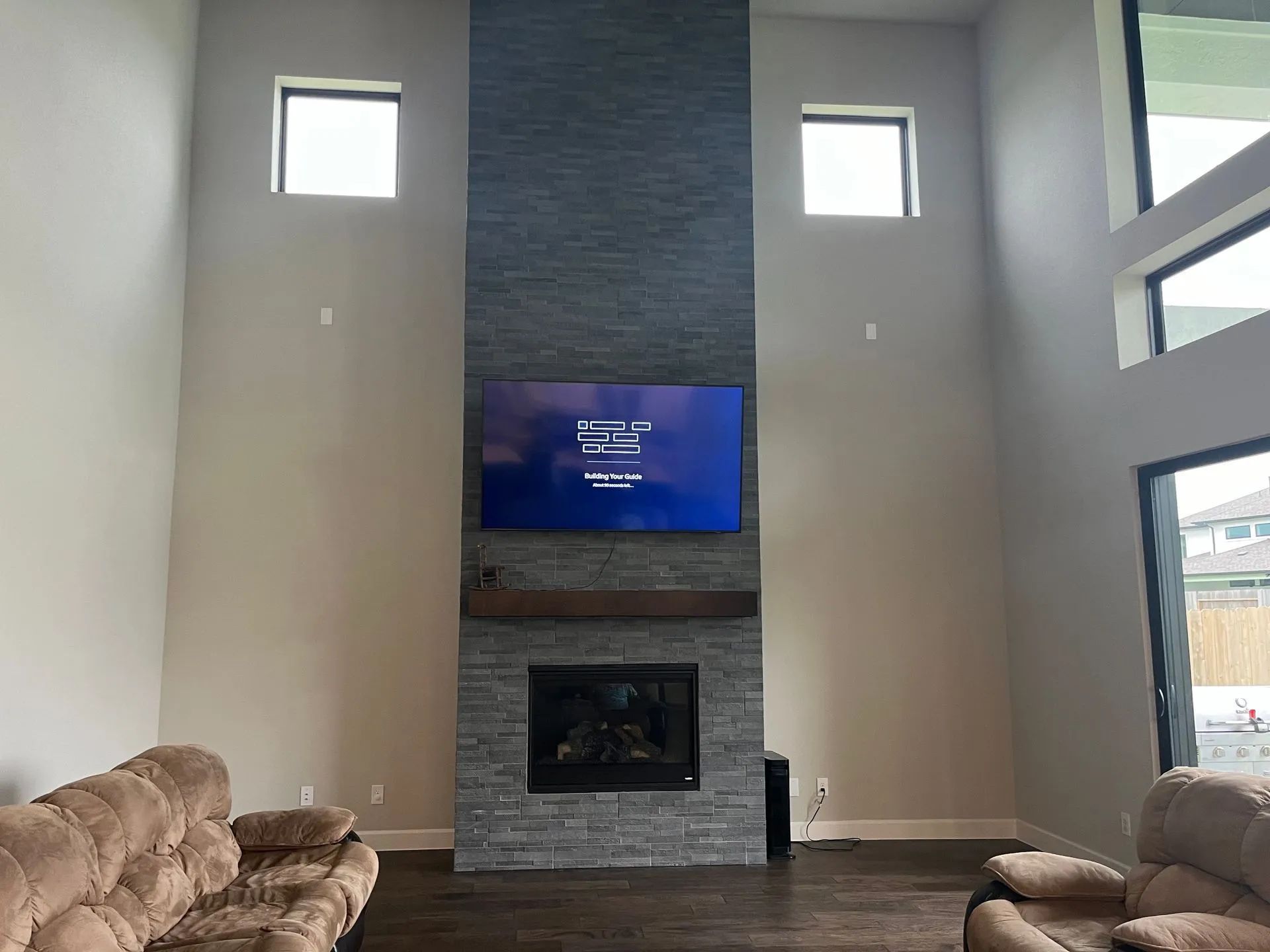
How to Hide TV Wires and Cables for a Clean, Finished Look
August 30, 2026
QUICK ANSWER: Most TV wire clutter comes down to three problems: a power cord with nowhere to go, an HDMI cable too long or too short for the run, and a wall that doesn't cooperate. Drywall takes an in-wall cable kit with paintable grommets in well under an hour. Brick, tile, or a wall you can't cut into takes a surface raceway instead. Whatever route you pick, only power cable rated for in-wall use (labeled CL2 or CL3) belongs inside a wall cavity, and HDMI runs longer than about 25 feet need an active or extender solution to stay flicker-free.
You've mounted the TV, stepped back, and there they are — a black power cord and two or three cables dangling down the wall like they got left behind on purpose. It's the last ten percent of the job, and it's the part everyone underestimates. Getting it right isn't complicated, but it does depend on what's behind your drywall, how far your cables need to travel, and which parts of that run you can safely bury versus which parts need to stay exposed.
Start With the Wall, Not the Wire
Before you touch a drill, figure out what you're actually working with. Standard drywall over wood studs is the easiest case — a stud finder with wire-detection mode will show you the framing and flag any electrical already running through the bay you're eyeing. Houston has a lot of brick veneer exteriors and slab foundations, which changes the math. A slab means there's no crawlspace below to drop a cable into, so power and signal cables often have to travel sideways through the wall to a nearby outlet instead of straight down. And if the mounting wall itself is brick or block rather than framed drywall, cutting a cable path isn't really an option at all.
Map the run before you commit to a method. Where's the TV going, and where's the nearest outlet? Is there a stud, a header, or a fire block sitting directly in that path? A short jog straight down is simple. A run that has to cross studs or duck around a doorway header gets more involved, and it's worth knowing that before you're holding a hole saw.
TIP: Tape out the whole route on the wall first — TV location, outlet location, and the line between them — using painter's tape. It takes two minutes and it's the easiest way to catch a problem, like a stud sitting right where your cable needs to cross, before you've made a single cut.
Picking a Concealment Method That Fits
For a standard drywall wall, an in-wall cable kit is the cleanest option. These kits use two paintable grommets — one behind the TV, one lower down near an outlet — connected by a pre-wired low-voltage cable, and they're typically a same-afternoon job with no electrician needed. The grommets blend into the wall once painted, so from three feet away there's no visible cable at all, just a TV that appears to float.
Brick, stone, tile backsplash, or a wall you're not allowed to alter (hello, rental agreements) rules out cutting a cable path. A surface raceway does the job instead — a slim, paintable channel that runs the cable along the wall or down a corner, low profile enough that most people don't notice it's there once it's been color-matched. It's not invisible the way an in-wall run is, but it's fast, fully reversible, and doesn't touch the wall structure.
A third option skips wall work almost entirely: a floating media shelf or low console positioned close enough to the TV that the visible run is only a foot or two. Not every room has the layout for it, but where it fits, it's the least invasive fix on the list.
Running Power Safely Behind a Wall
This is the one place where cutting corners actually matters. A standard lamp cord or extension cord is not built to sit inside an enclosed wall cavity — it's designed for open air, where any heat it generates has somewhere to go. Push that same cord behind drywall, next to insulation, and it's working in conditions it was never rated for.
WARNING: Never route a standard power cord or extension cord through a wall cavity. In-wall power cable needs to be rated for that environment — look for a CL2 or CL3 label, which means the cable's jacket is built to resist heat buildup and slow flame spread in an enclosed space. A purpose-built in-wall kit typically ships with a cord that's already ETL listed for this exact job, so there's no guesswork involved.
If you'd rather not run a cord through the wall at all, a recessed power kit is the other route — a low-voltage box gets cut behind the TV and wired back to the nearest existing outlet, giving you a real outlet hiding behind the screen instead of a cord threaded through the cavity. It's more work up front. It also means there's nothing visible once it's done, not even a grommet with a cord poking out of it.
HDMI, Ethernet, and Signal Cable Length
Cable length matters more than most people expect. A standard passive HDMI cable holds up fine to around 25 feet for typical HD content, but that number drops fast once you're pushing 4K or 8K over HDMI 2.1 — passive cables at that bandwidth start losing reliability past roughly 10 feet, showing up as flickering, dropped frames, or audio that cuts in and out. Past that distance, an active HDMI cable or an HDMI-over-Ethernet extender does the job without the signal falling apart.
Route signal cable away from power lines where you can. Running HDMI or speaker wire directly alongside a power cord for any real distance invites interference — crosstalk that shows up as noise in the picture or a faint hum in the audio. A few inches of separation, or crossing the two at a right angle where they have to intersect, solves most of it.
Buy the cable for the run you actually have, not a guess. Too short and you're stuck; too long and you're stuffing slack into a wall cavity that didn't need it. Measure the real path — including any bends — before you order anything.
Cleaning Up the Component End
The wall behind the TV isn't the only place cables pile up. Down at the media console, HDMI, power, and Ethernet cables from a streaming box, game console, receiver, and soundbar tend to turn into a knot within a month of setup. A cable sleeve or spine keeps that bundle organized and running in one direction instead of six, and it makes swapping a device later a lot less painful than untangling everything from scratch.
Avoid tight bends near the connector — that's where a cable actually fails, not in the middle of the run. A gentle curve instead of a hard fold at the plug adds real years to a cable's life. And here's the step people skip when they're in a hurry: test every connection, picture and sound both, before you patch the drywall or paint over a grommet. It's a five-minute check against reopening a wall you just closed up.
Speaker and Soundbar Wiring
A soundbar keeps this simple — usually one power cord and maybe an HDMI or optical cable, done. A full surround setup is a different animal. Rear speaker wire often has to travel a real distance, sometimes through an attic or under a floor, to reach the back of the room, and that run needs the right gauge for the distance involved or the sound quality suffers at the far end.
Wireless surround kits sidestep the whole wiring question for rear channels, trading a wire run for a transmitter and receiver pair that talk to each other over the room. It's not free of compromise — you're adding another set of components that need power — but for a lot of rooms it's the difference between doable and not.
What Houston Homes Add to the Equation
Attic space in a Houston summer isn't a mild inconvenience — it regularly climbs past 140 degrees Fahrenheit under the roof deck. Cable routed up there for a long speaker or extender run needs a jacket built to handle that kind of sustained heat, not just the everyday temperature a cable sees sitting behind drywall in a conditioned room. It's worth checking the rating before a run goes into the attic, not after.
Humidity plays a role too, especially in an older home where a wall cavity might trap more moisture than a newer, better-sealed build. And with how often this region deals with storms and the power blips that come with them, it's worth leaving a little slack near the component rack for a surge protector or battery backup rather than pulling every inch of cable drum-tight into the wall. A little room to work later saves a lot of frustration during the next outage.
Frequently Asked Questions
Can you hide TV wires without cutting into the wall?
Yes. A surface raceway channel runs the cable along the wall or baseboard without any drywall work, and it can be painted to match. It's the standard fix for brick, tile, or a wall you're not able to modify.
What's the real difference between HDMI cable types for a long run?
A passive cable is fine for shorter distances but starts struggling with 4K or 8K content past roughly 10 feet. An active cable has a built-in booster that keeps the signal clean over longer runs, and fiber-optic HDMI goes even further for larger rooms or long attic runs.
Is it safe to run a power cord through a wall behind a mounted TV?
Only if that cord is rated for it. Look for a CL2 or CL3 label, which means the jacket is designed to handle sitting inside an enclosed wall cavity. A standard lamp or extension cord isn't built for that environment and shouldn't go inside a wall.
How do you hide wiring for surround sound speakers?
Rear speaker runs typically travel through an attic or under flooring to reach the back of the room. Wireless surround kits are the other option — they trade a long wire run for a transmitter and receiver, which simplifies a lot of rooms where fishing wire isn't practical.
Does a brick or concrete wall change how the wires get hidden?
It does. Masonry rules out an in-wall cable kit, so a surface raceway or a low media console positioned close to the TV becomes the practical route instead.
A Cleaner Finish Starts With Thoughtful Cable Routing
Hiding TV wires is ultimately about more than making cables disappear. The right approach accounts for the wall construction, cable type, power requirements, and the distance each connection needs to travel. Drywall may allow an in-wall solution, while brick, tile, and other finished surfaces often call for a clean surface raceway. Choosing the method before cutting or drilling helps prevent unnecessary repairs and keeps the finished installation looking intentional.
In Houston, TX, local conditions can also influence how wiring should be routed and protected. Heat in attic spaces, humidity, storm-related power interruptions, and different home construction styles all deserve consideration when planning an AV installation. With 18
years of experience, Hangman AV
approaches
TV and home entertainment wiring
with those practical details in mind, helping create installations that look clean while keeping the cables properly routed and accessible where they need to be.